AInspiredApps ERP
Manage purchasing, sales, stock and pricing in one workspace
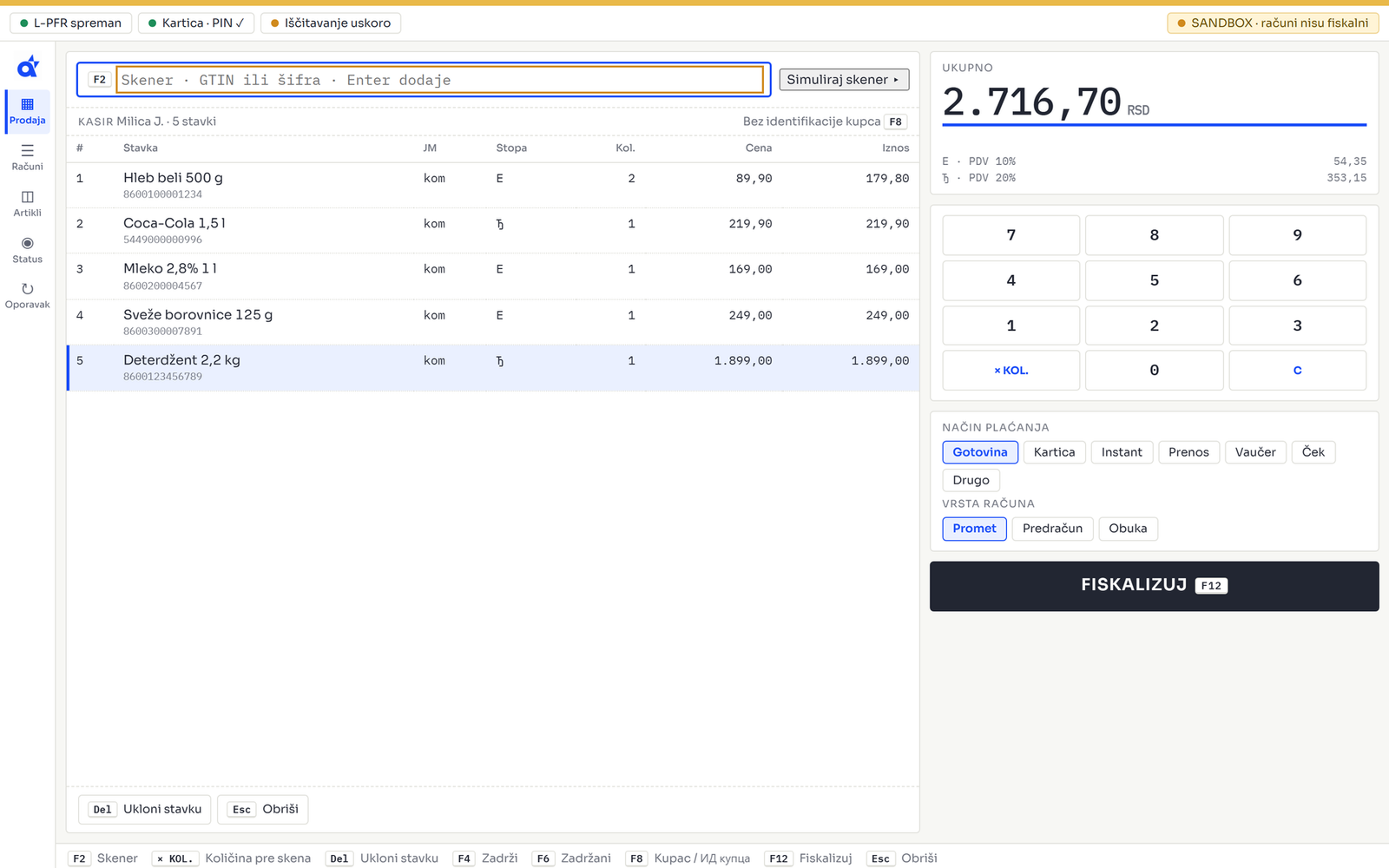
An ERP for wholesale and retail in Serbia: master data, price lists and discounts, the procurement and sales chains, stock with weighted-average valuation, approvals and reporting. The retail till is CloudPOS.
What you do with it
Run purchasing from request to invoice
Purchase request, order, goods receipt and supplier invoice in one chain.
Sell with stock reservation
From pre-sale to dispatch note and invoice, with per-partner price lists and discounts.
Track stock and its value
Stock ledger, transfers between warehouses and stock cards with weighted-average cost.
Features
Master data
Companies, warehouses, stores, partners and items, with XLSX import.
Procurement and wholesale
From purchase request to invoice; from pre-sale to dispatch note and invoice, with stock reservation.
Inventory
Stock ledger, transfers, stock cards and weighted-average valuation.
Pricing and discounts
Price lists per channel and partner, discounts and approvals.
SEF e-invoicing
Outbound UBL 2.1 invoices and inbound invoices from SEF.
Reporting and three languages
Operational reports; Serbian (Latin and Cyrillic) and English.
A typical workflow
Order from the supplier
A purchase request is approved and becomes an order.
Goods receipt
The receipt posts stock at weighted-average cost.
Sale and dispatch
A pre-sale reserves stock; the dispatch note and invoice release it.
E-invoice
The invoice goes to SEF as a UBL 2.1 document.
Demo video
Integrations and deployment
Confirmed: sending and receiving e-invoices through SEF (demo environment), CloudPOS as the retail till, XLSX import of master data. Planned: an online shop connected to the ERP through its APIs for catalogue, pricing and orders.
Setup, training and support
Setup follows the way you work: a demonstration with your own examples first, then configuration and training. Support comes directly from the people who build the software, no automated replies.
Frequently asked questions
Does the ERP work with my till?
Which languages are supported?
What stage is the product in?
Let’s see if it fits your work
We will walk you through the application with your own examples and answer your questions.